
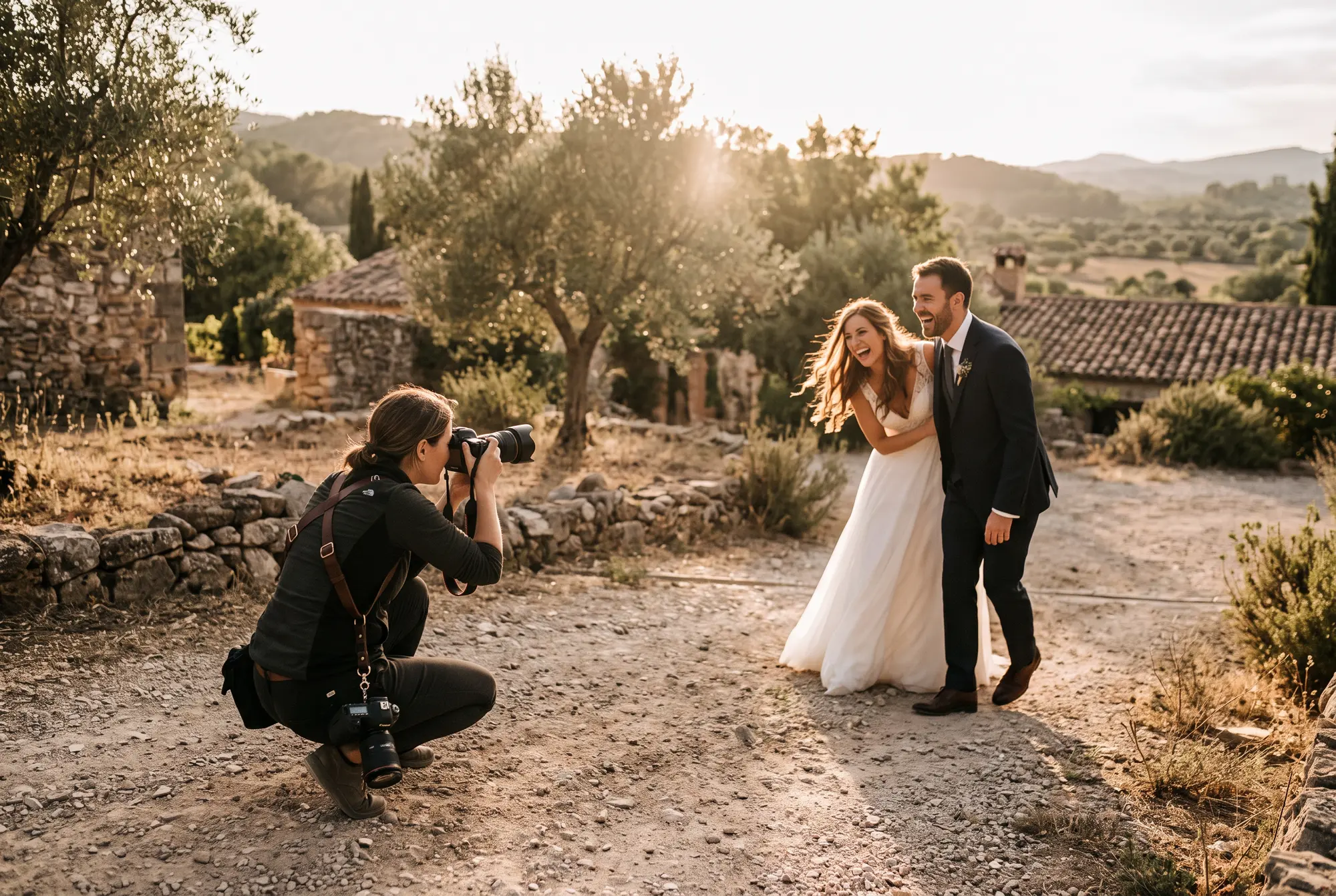
How a session works with PhotoHeart
Your client books, signs and picks their photos from their phone. You only step in when needed.
14 days free. No card required.
From booking to invoice
Each step comes with an illustration of the PhotoHeart screen using made-up data: the calendar with the booked appointment, the signed contract, the session record, the gallery, the selection with hearts and the issued invoice.
- 01
Booking
Your client arrives at your public calendar, chooses date and time, sees deposit payment instructions.
- 02
Contract
Client receives email with link, opens on phone, reads, signs with finger, and downloads their PDF.
- 03
Session
You do the session as usual. After, one click on "Convert to Session" and done.
- 04
Gallery
Drag and drop up to 2000 photos. A unique link is generated for your client.
- 05
Selection
Client chooses package level, selects favorites, adds extra products and finalizes.
- 06
Invoice
You issue the session invoice with the client’s details, and the deposit already paid is deducted automatically.





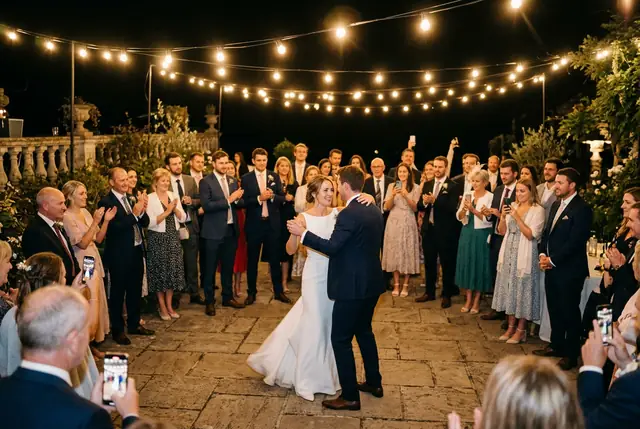



Your client chooses from the sofa
They get the link, open their gallery on their phone and select their favourites. You get the selection as soon as they send it.
Behind every step
Tiered packages
Try the galleryDigital contracts
Try the contract

Start today. 14 days free.
No commitment. Cancel anytime.
€29.92per month, billed yearly
Start free trial€359.00 a year. 2 months free. VAT not included
No card required. If you're not convinced after the first charge, you have 3 days to ask for a full refund.