
The client who doesn't forget you is the one who comes back
Think about the last time someone wished you a happy birthday on WhatsApp. Not a generic Facebook notification, but a direct, personal message from someone you weren't expecting. It made you feel good, and you probably thought about that person for the rest of the day.
Now imagine that message comes from your photographer. The one who shot your wedding, your daughter's baptism, or that family session you have framed in your living room.
That message isn't advertising. It's a personal touch. And personal touches are what make a client think of you the next time they need a photographer.
Why we lose clients (without realising it)
Most photographers do excellent work during the session. They deliver the photos, the client is thrilled, and that's where the relationship ends.
Six months go by. A year. Two years. And when that client needs photos again — the kid's communion, a second baby bump shoot, the company Christmas campaign — they can't remember the photographer's name. Or if they do, it feels like too much time has passed to reach out.
The problem isn't that the client was unhappy. It's simply that they forgot you, because you never kept in touch.
The power of a message at the right moment
The psychology behind this is simple: people hire who they remember and feel a connection with. A message on a special date accomplishes both at once.
When you congratulate someone on their birthday or wedding anniversary:
- You position yourself in their mind as someone close, not just another vendor
- You create reciprocity (they remembered me, that's thoughtful, I like them)
- You stand out from other photographers who simply disappear after delivering the files
- You create natural touchpoints that don't feel commercial
And the best part: you don't need to sell anything in that message. Just say congratulations. The commercial effect follows naturally, because when they need a photographer, your name will be the first one that comes to mind.
Consistent contact without being intrusive
The key is frequency and context. This isn't about sending promotional messages every week. It's about showing up at the moments that matter.
If a client has three important dates set up — birthday, wedding anniversary, and the date of their first shoot with you — they'll receive three messages a year. Three natural, non-intrusive touchpoints that keep the relationship alive without any effort on your part.
Compare that to other marketing channels you might currently be using.
| Channel | Typical frequency | Client perception | Time cost |
|---|---|---|---|
| Email marketing | Weekly/monthly | Usually ignored | High (content creation) |
| Social media | Daily | Gets lost in the feed | Very high |
| Paid advertising | Ongoing | "They're selling to me" | High (money + management) |
| Messages on important dates | 2-4 per year | "How thoughtful, they remembered me" | Zero (automatic) |
The difference is clear: fewer messages, more impact, zero effort.
Real stories (that happen more than you'd think)
A wedding photographer wishes a couple a happy third anniversary. The couple is expecting their second child and has been looking for a maternity photographer for weeks. That WhatsApp reminded them they already had a photographer they trusted.
A children's photographer wishes a mother a happy birthday for her daughter. The mother was planning the birthday party and hadn't thought about hiring a professional photographer. Now she has.
An events photographer wishes a company contact a happy milestone. They're just planning the Christmas dinner and need a photographer.
These situations aren't coincidences. They're the natural result of being present at the right moments.
How many dates should each client have
No need to overcomplicate it. Start with the basics.
For individual clients, a birthday is the must-have. If you also have the wedding date, anniversary, or any other event you photographed, add it. These are dates the client already associates with you because you were there.
For corporate clients, the company founding date or the anniversary of your first collaboration work really well.
The rule is: if it's meaningful to the client and you can wish them well naturally, it deserves a date in the CRM.
The perfect message: short, personal, and sales-free
The message doesn't need to be long or elaborate. In fact, the shorter and more natural, the better.
A good message has three elements: greeting with the client's name, a genuine congratulations, and a warm sign-off. No offers, discounts, or commercial mentions. The goal isn't to sell, it's to connect. The sale comes later, organically.
If the message sounds like something you'd send a friend, you're on the right track. If it sounds like a newsletter, rewrite it.
And now, the practical part
Everything we've talked about sounds great in theory, but if you have 200, 500, or 1,000 contacts in your CRM, you're not going to send messages manually every day.
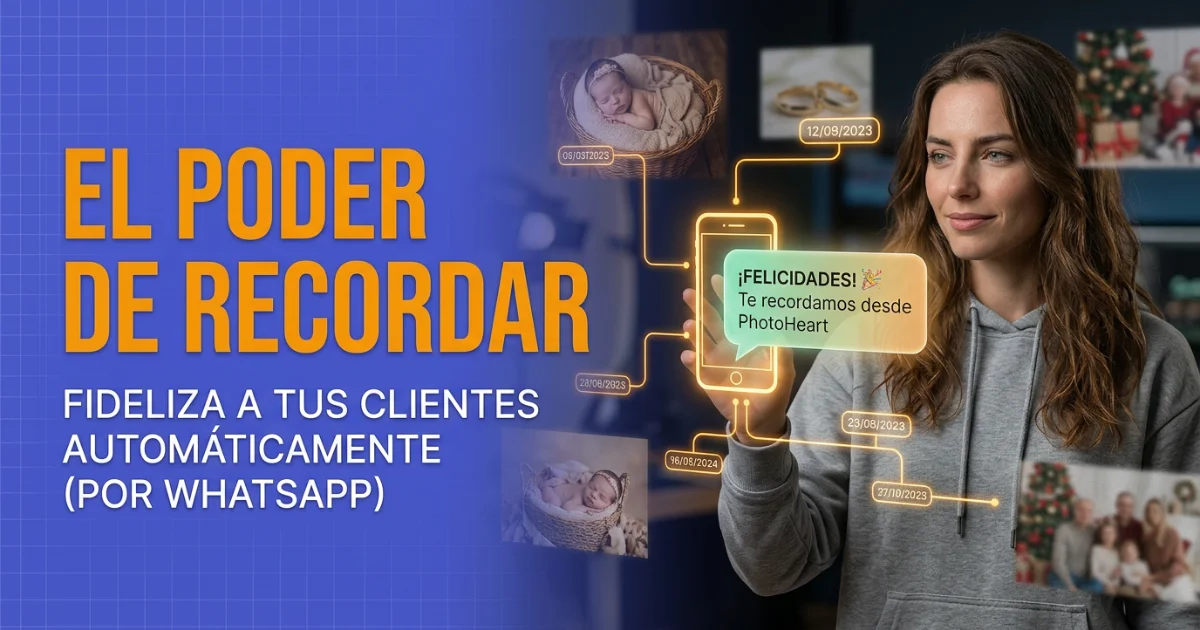
That's why we've added automatic WhatsApp sending for important dates to PhotoHeart.
Here's how it works: in your CRM, each contact already has a birthday field and customisable important date fields (anniversary, wedding, baptism, whatever you like). Now, from Settings, you can enable automatic sending with a single toggle. From that point on, every day at 9:30 AM, the system checks which contacts have an important date that day and sends them a WhatsApp from your own account.
You can customise the message for each type of date. One for birthdays, another for anniversaries, another for baptisms. Or you can leave the default message and let the system handle everything.
The message comes from your WhatsApp number, not from an unknown number. For your client, it's a message from you. Personal, direct, trusted.
Start today
You don't need hundreds of contacts for this to work. With just 20 clients with important dates set up, you're already generating 40–60 touchpoints per year that didn't exist before.
And each of those touchpoints is an opportunity for someone to think: "I need to call my photographer."
Enable it from Settings, in the Notifications section, and let the system work for you.
The PhotoHeart Team